How we create listing photos for our poster shop
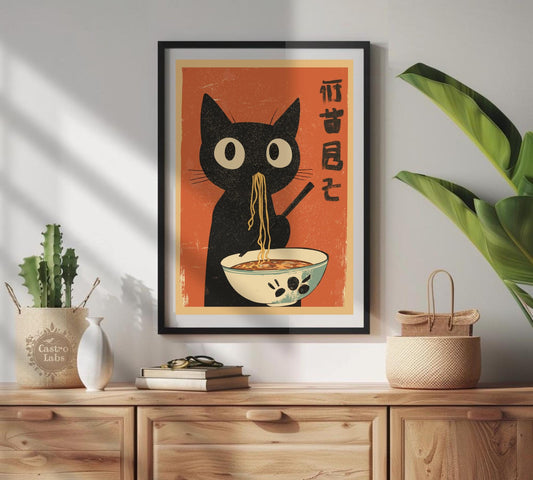
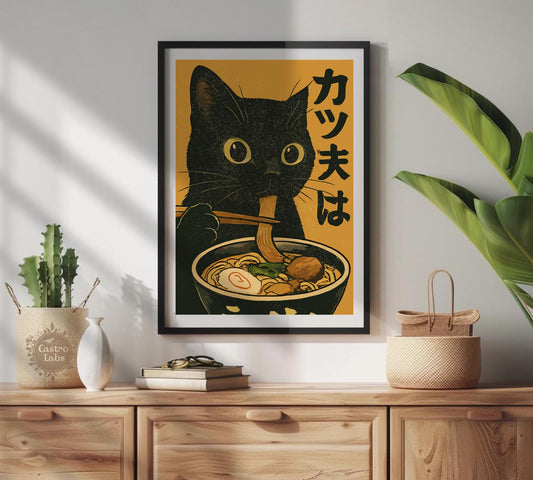
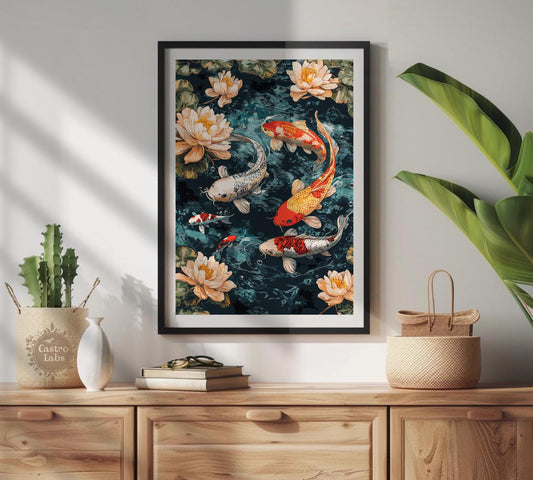
We sell hundreds of poster designs. Photographing each one in a real frame, in a real room, for every size and style option, would cost more than most of the posters are worth. So we use mockups.
Here's how that actually works for us.
Flat files don't sell posters
When we launched Brighton Posters, we uploaded the design files as-is. JPEG on a white background. No frame, no room, no sense of what the thing actually looks like hanging on a wall.
Sales were slow, and the messages from buyers all said the same thing: "What does it look like framed?" "How big is it?" "Can I see it on a wall?"
Fair enough. A flat travel poster file tells you nothing about how it'll feel in your living room. Put that same design in an oak frame leaning against a white wall with some morning light on it, and suddenly people want to buy it.
What we tried
We went through a few approaches before settling on what we use now.
Photoshop, manually. Open the PSD, drop the design into the smart object, flatten, export. It works, but it's slow. We were spending 3 or 4 minutes per mockup, and with 200 designs across 5 frame styles, that's a full week of sitting there doing the same thing over and over. Every time we added new designs, the whole process started again. Nobody enjoyed it.
Placeit and similar tools. Faster than Photoshop, but still one image at a time. Upload, position, download. For a shop our size, it didn't really move the needle.
Scaylr, for batch processing. This is what we switched to about six months ago, and it's what we still use. You upload your PSD templates (we have about 8 standard frame and room styles) and all your poster designs at once. It generates every combination. 30 designs times 8 templates, 240 mockups, one batch. Downloads as a ZIP sorted by design name.
The whole thing runs in the browser. No Photoshop installation, no plugins. What used to take us a week takes maybe 20 minutes now. We use Scaylr for this.
Not everything goes through the same process
Brighton Posters works with different sellers and artists. Some of them send us their own product photography, shot with real frames in real rooms. Those go straight into the listings as they are.
For our own designs, and for sellers who just send us the flat artwork, we run everything through the batch mockup process. It keeps the look of the shop consistent without forcing everyone into the same workflow.
What we've learned from thousands of listings
Lifestyle shots outsell clean backgrounds. A poster sitting in a styled room gets more clicks than the same poster on white. We've tested this enough times to stop questioning it.
Consistency across the shop matters more than any single perfect image. When someone browses 20 of our listings, they should all feel like they belong together. Same frame styles, similar lighting. It looks like a real shop instead of a random collection.
Mobile thumbnails are where listings live or die. Over half our traffic is on phones. If the design isn't readable at thumbnail size, nobody clicks it. We check every mockup at around 300px wide before we publish anything.
We use at least 4 images per listing: a lifestyle shot for the hero, a clean frame-only shot, a close-up that shows the paper texture, and something for size reference. Shopify gives us 10 image slots. We try to use them.
Our workflow
New designs come in as flat PNG or JPEG files. We upload them to Scaylr along with our 8 standard frame templates, batch generate everything (about 15 minutes for 200+ designs), download the ZIP, and upload to Shopify. For featured collections, we'll sometimes make a custom hero image in Photoshop on top of that.
The process that used to eat a full week now fits into an afternoon.
What we use
Scaylr for batch mockup generation. Photoshop for the occasional custom hero image. Shopify for the storefront. Canva for social media stuff.
If you're running a poster shop or something similar and you're still making mockups one at a time, it's worth trying batch processing. Scaylr has a free tier if you want to test it first.